Advfiles

// Law firm FMS

Overview:
A case files management system for an advocate office ensuring coworkers can securely and privately share files based on cases and access to only users allowed for that case.
Date:
  • Start
    02-25
  • End
    03-25

Problem Statement

Managing digital files and case-related documentation in a structured and secure manner can be challenging, especially in organizations where access control, traceability, and efficiency are critical. Traditional file systems often lack robust user roles, case tracking capabilities, and a comprehensive audit trail. This leads to inefficiencies, unauthorized access, and difficulty in retrieving or managing files based on specific cases or statuses.

Task

The objective was to design and implement a secure, role-based file management system that supports hierarchical folder structures, case tracking, and granular access control. The system needed to cater to different user roles—such as interns, normal users, and a Super Administrator—while offering features like file operations, case status tagging, and detailed activity logs for monitoring user behavior and ensuring accountability.
Implementation

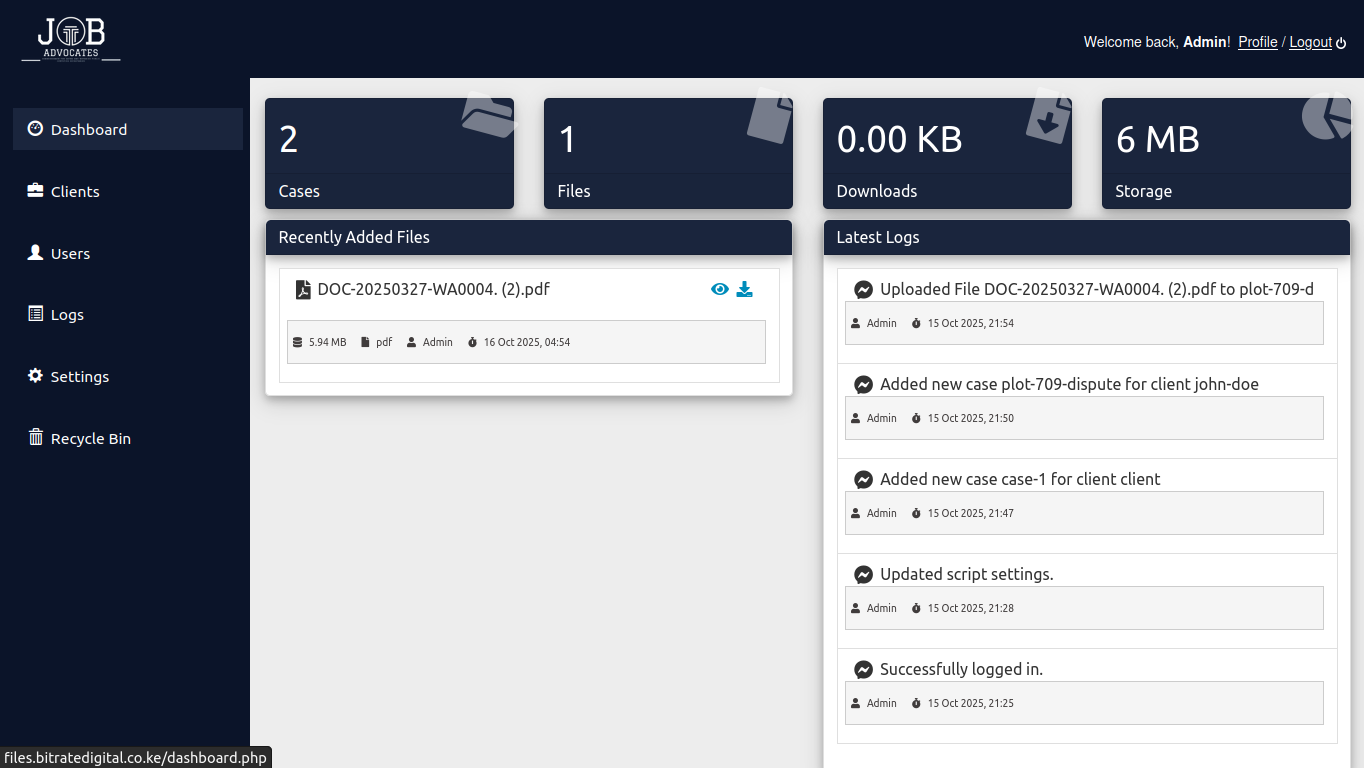
  • Built a web-based file management system with secure user authentication.
  • Integrated role-based access to limit and control operations based on user type.
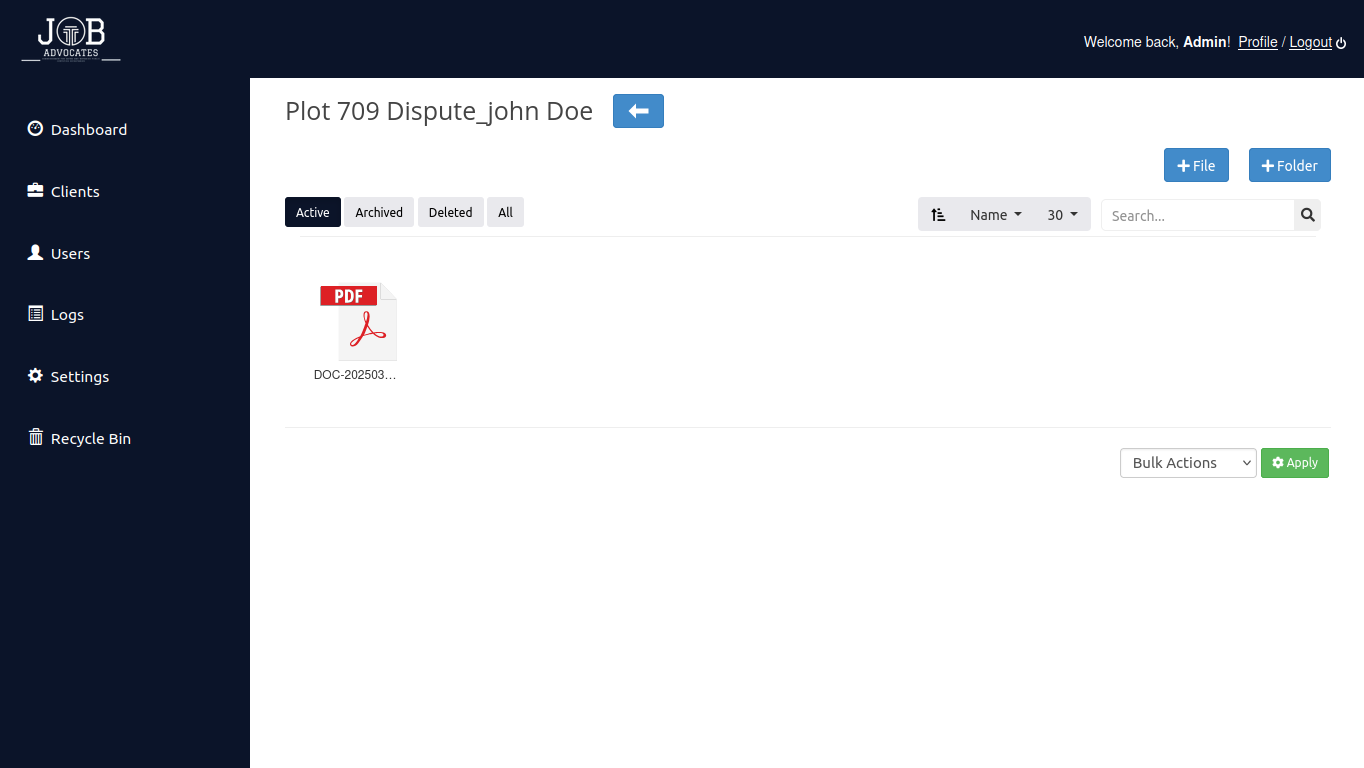
  • Developed a folder hierarchy with case numbers to track and organize files effectively.
  • Implemented a case status system with visual indicators (Red/Green).
  • Enabled Super Administrator privileges for system-wide oversight and configuration.
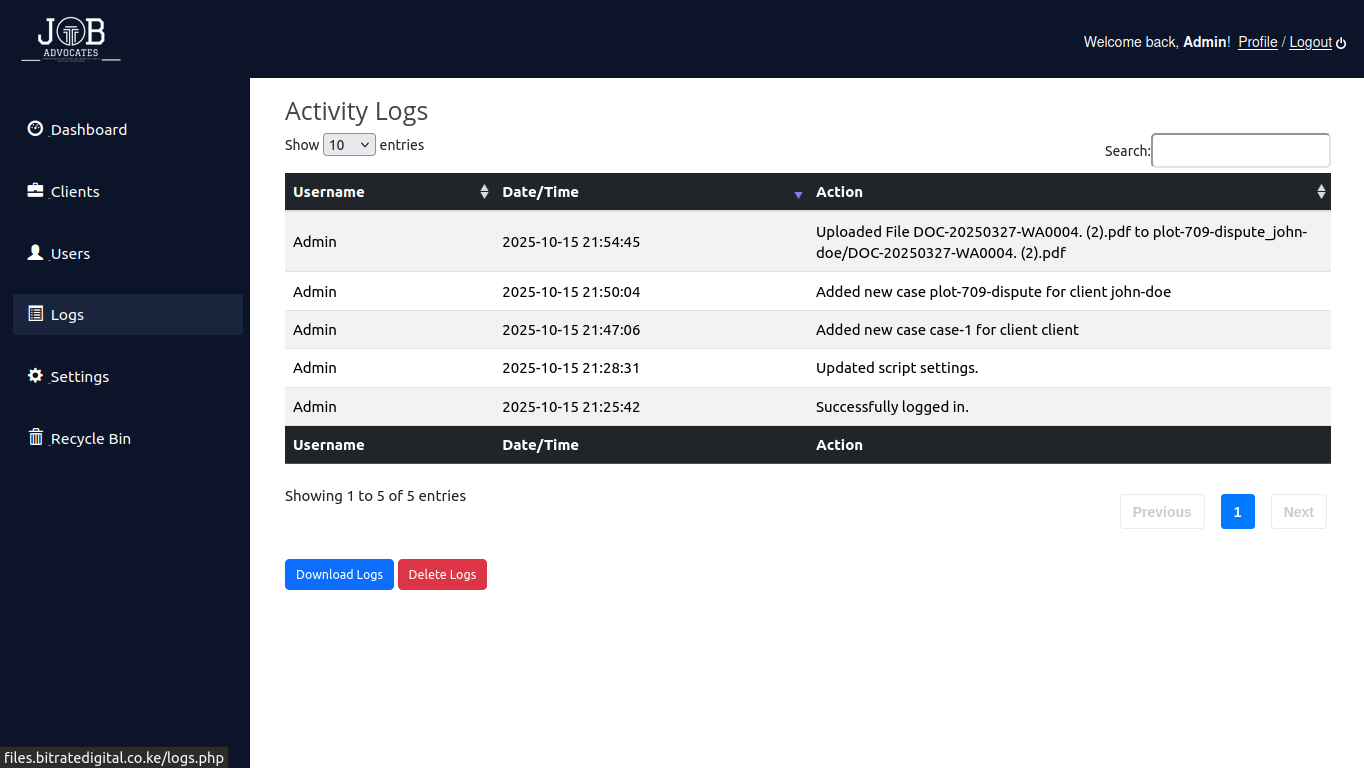
  • Added real-time activity logging for transparency and auditability.

Key Features

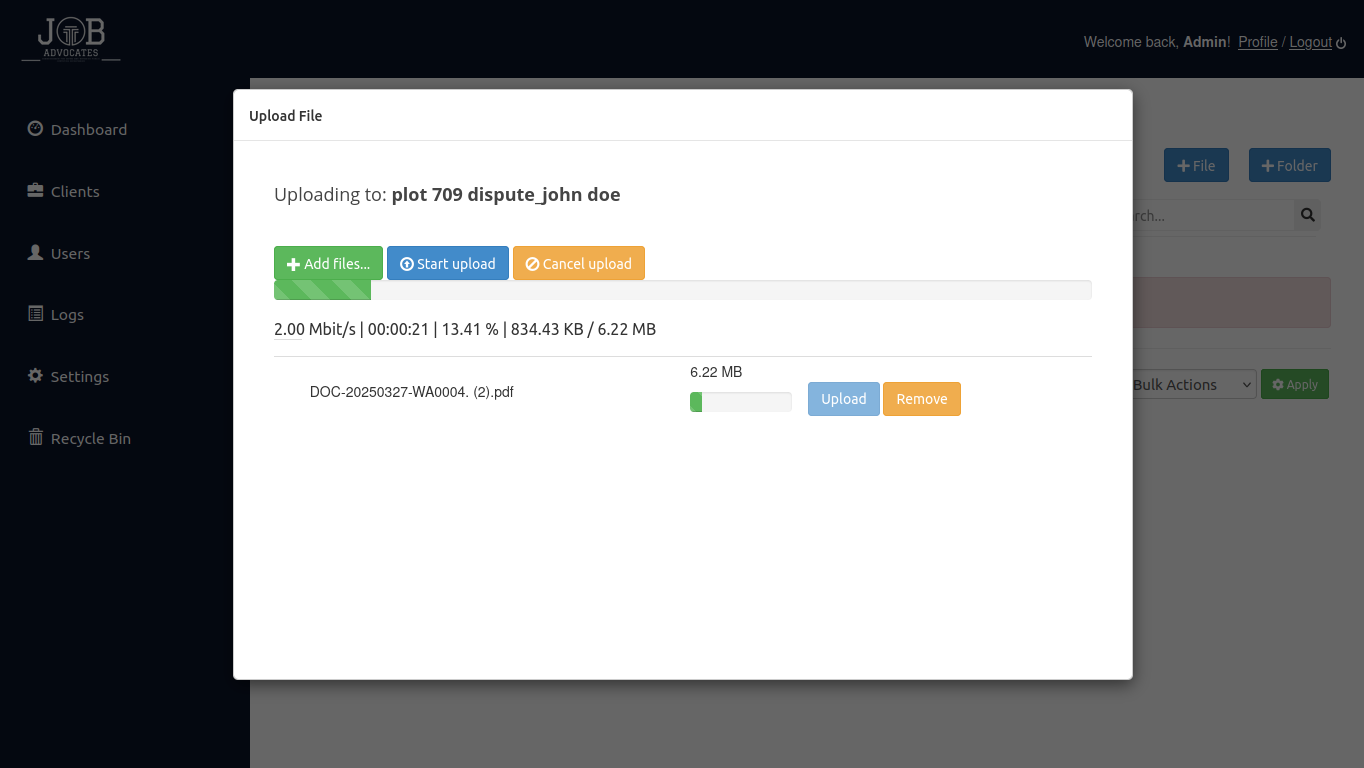
  • Create, delete, rename, view, download, copy, move, and archive files Sort files alphabetically or by date Search files using keywords or criteria
  • View detailed file properties (size, date, type)
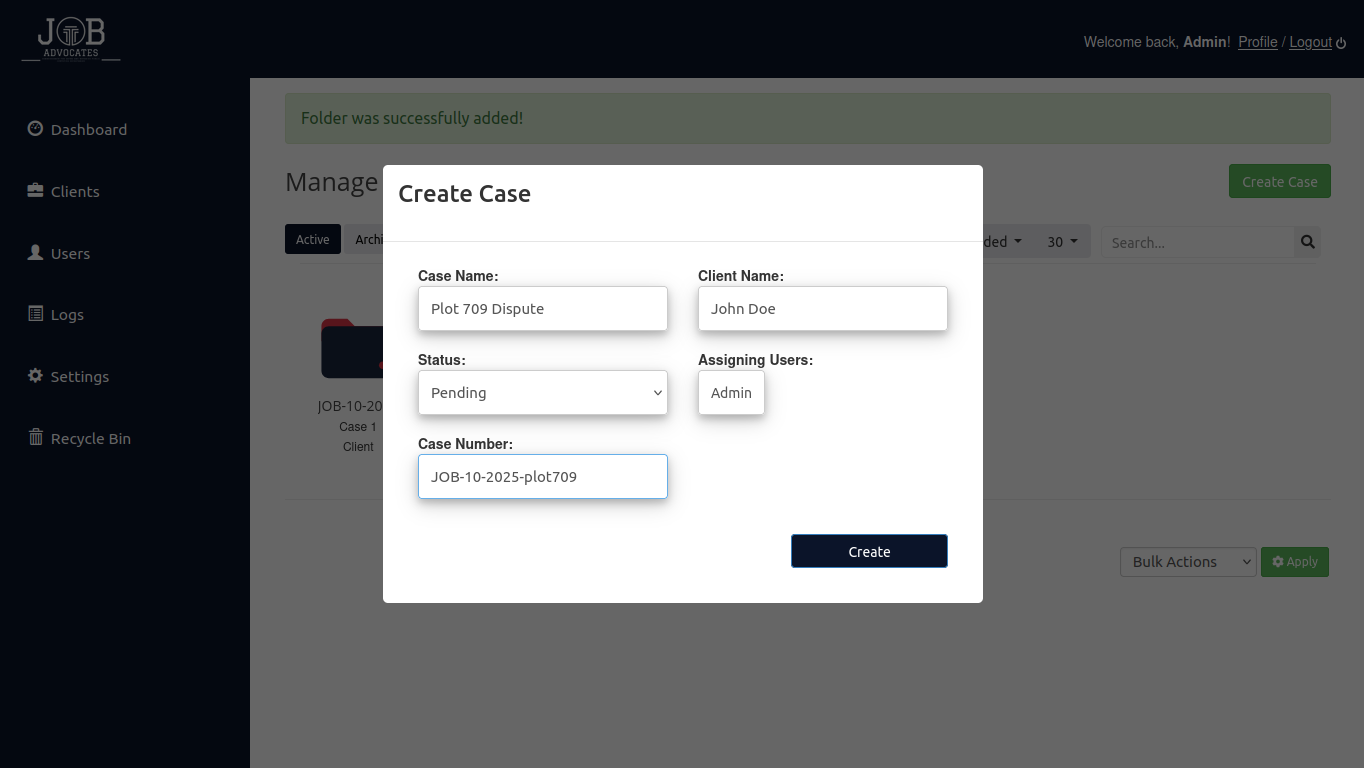
  • Folder Structure: Hierarchical folder navigation Each folder linked to a unique case file number
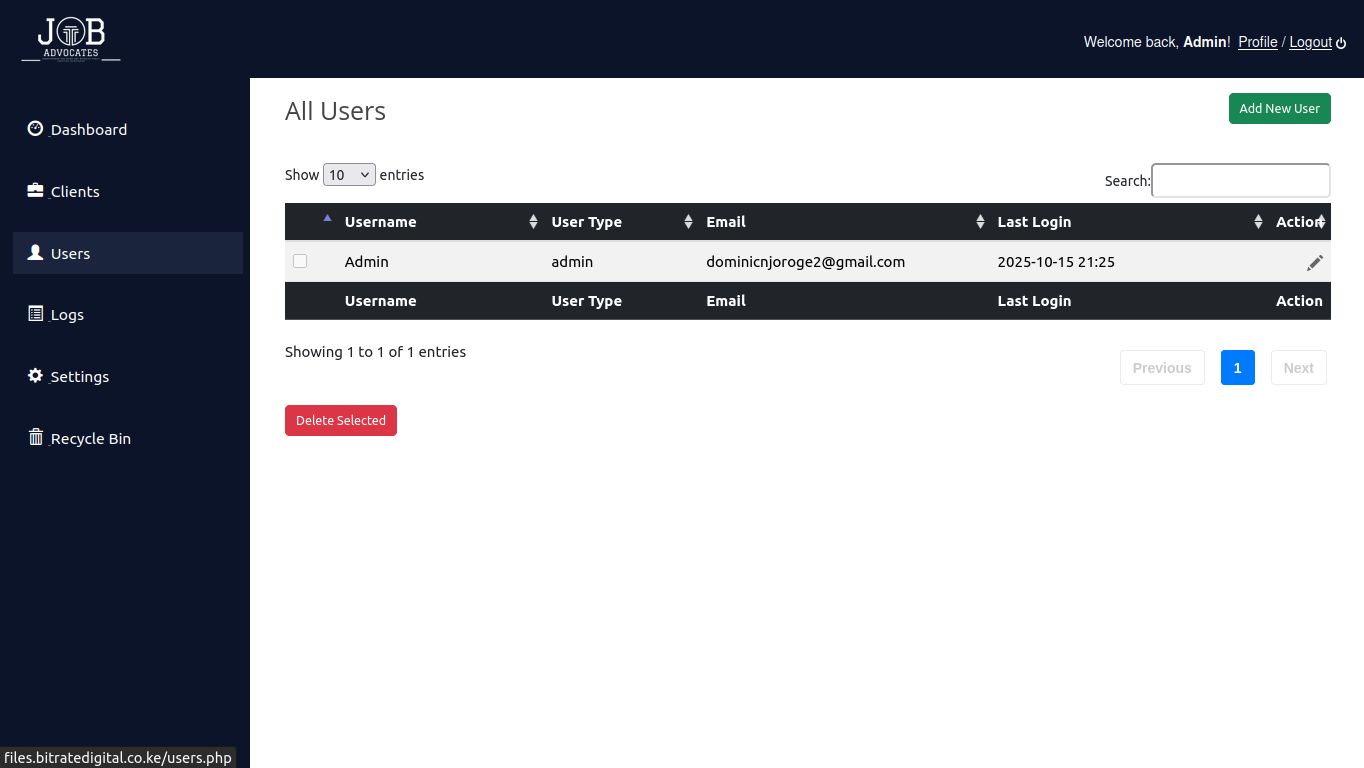
  • Access Control: Role-based permissions (Intern, Normal User, Super Admin) Secure login with username and password
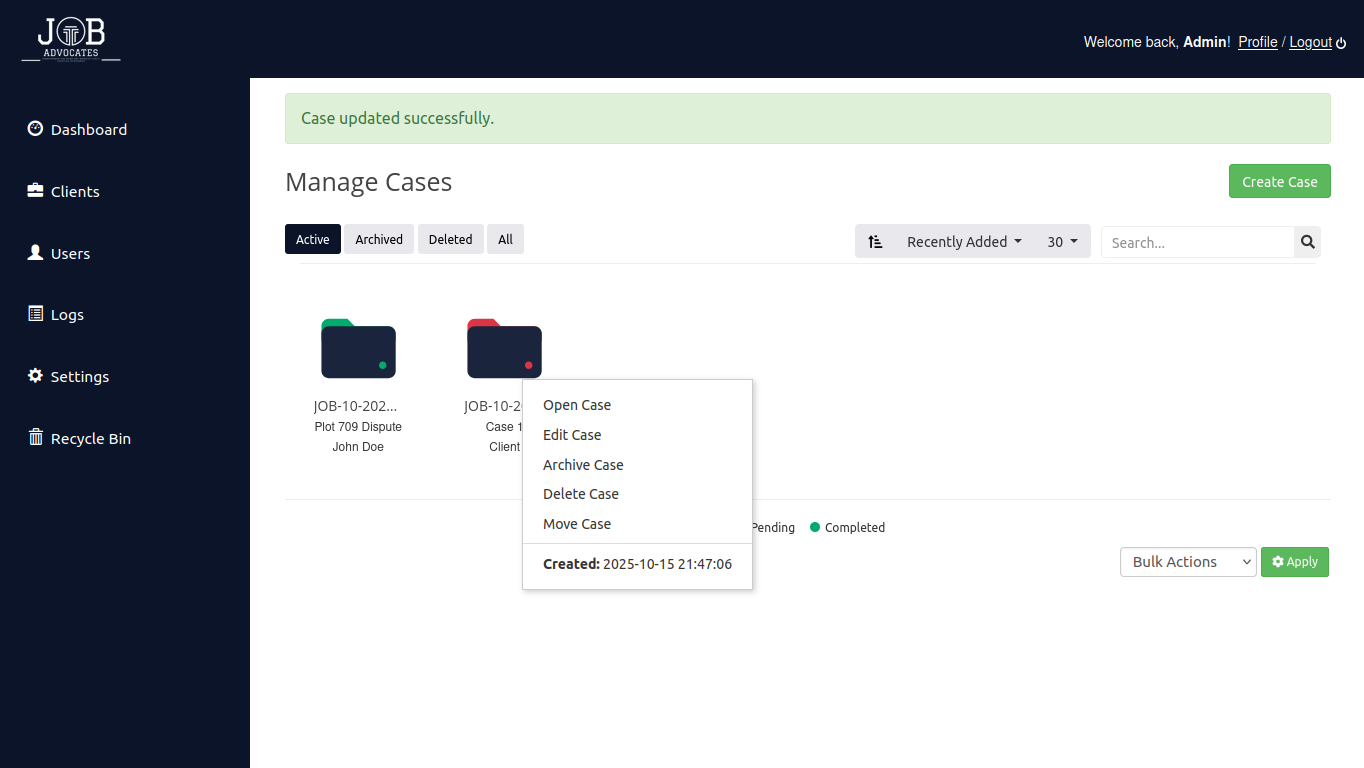
  • Case Management: Assign case statuses: Pending (Red), Completed (Green) Tag statuses during case editing Filter cases based on status
  • Super Administrator Capabilities: Full file access and control Approve and assign final case status View and manage system logs Update system settings
  • Logging & Monitoring: Track all user actions for transparency and security