Problem Statement
Traditional WordPress documentation solutions often suffer from outdated, rigid interfaces and slow performance due to being tightly coupled with the PHP rendering lifecycle. Existing solutions lack the modern, dynamic feel expected by today's technical users, particularly the ability to seamlessly integrate interactive components and responsive design features like dark mode. The core problem is the need for a high-performance, aesthetically modern, and highly interactive documentation viewer that can be easily managed within the familiar WordPress admin environment, while maintaining a clean separation between content logic (PHP) and presentation (React)
Task
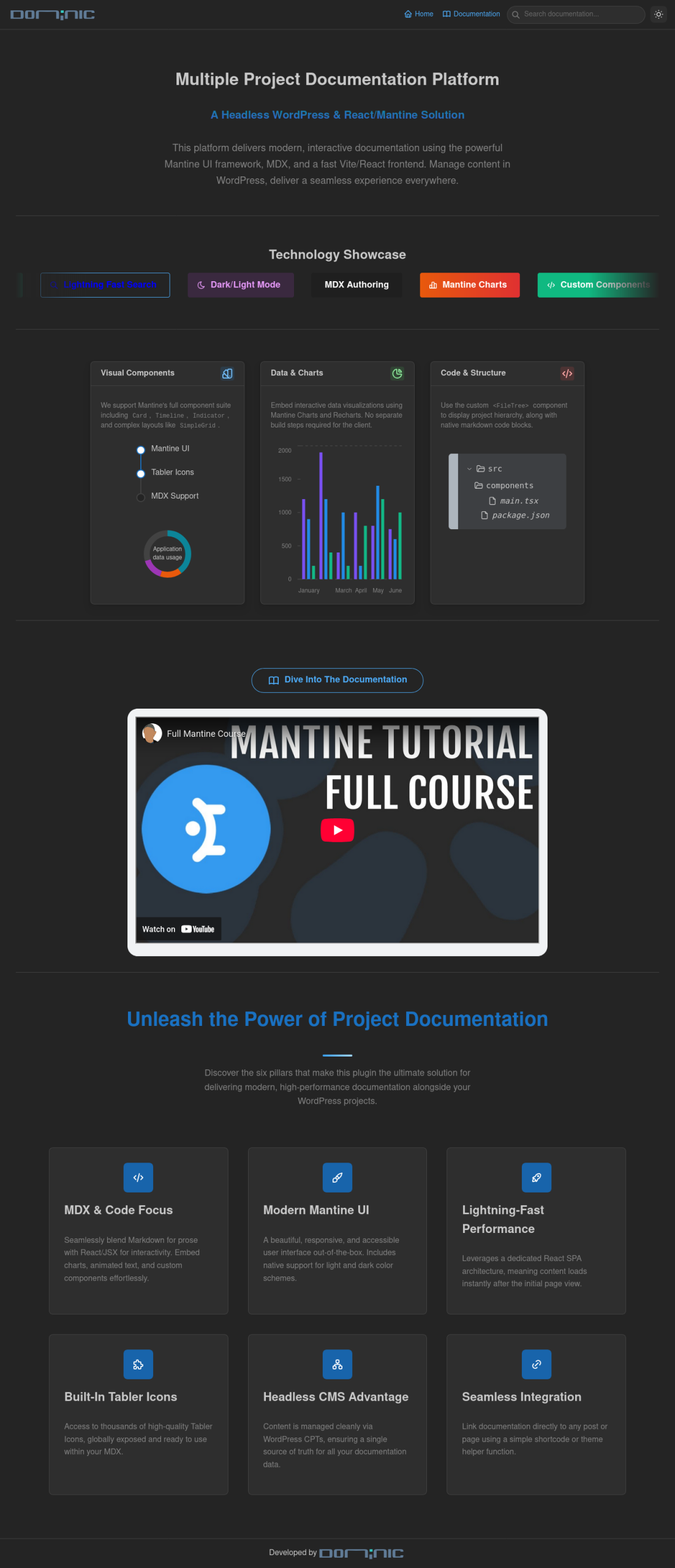
The task was to develop a full-stack WordPress plugin that leverages the platform as a headless Content Management System (CMS) for documentation data, while rendering the public-facing documentation using a modern React frontend. The solution must include:
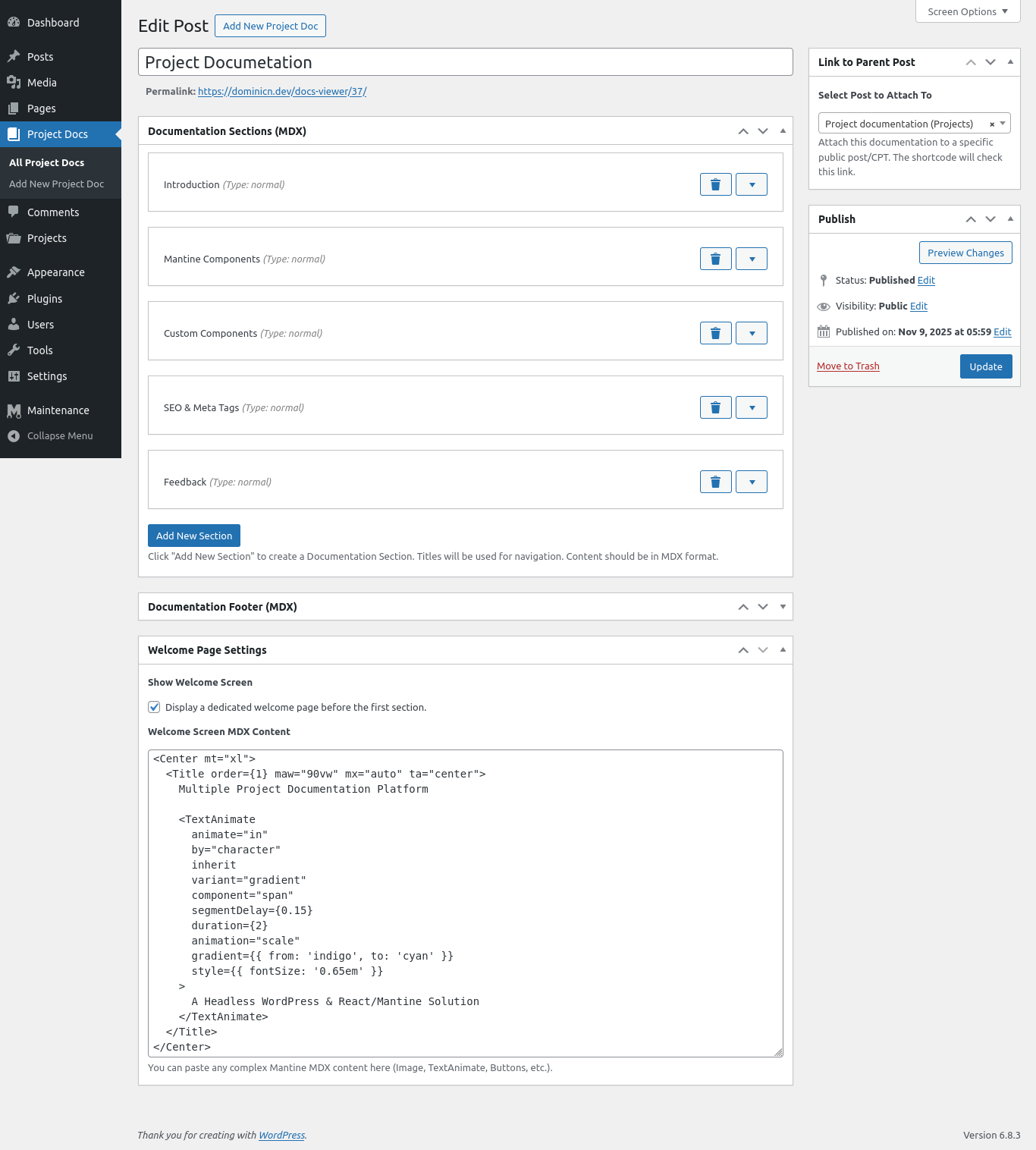
- A WordPress Custom Post Type (CPT) for storing project documentation and its sections (MDX content).
- A REST API endpoint to efficiently serve all documentation data to the React frontend in a single request.
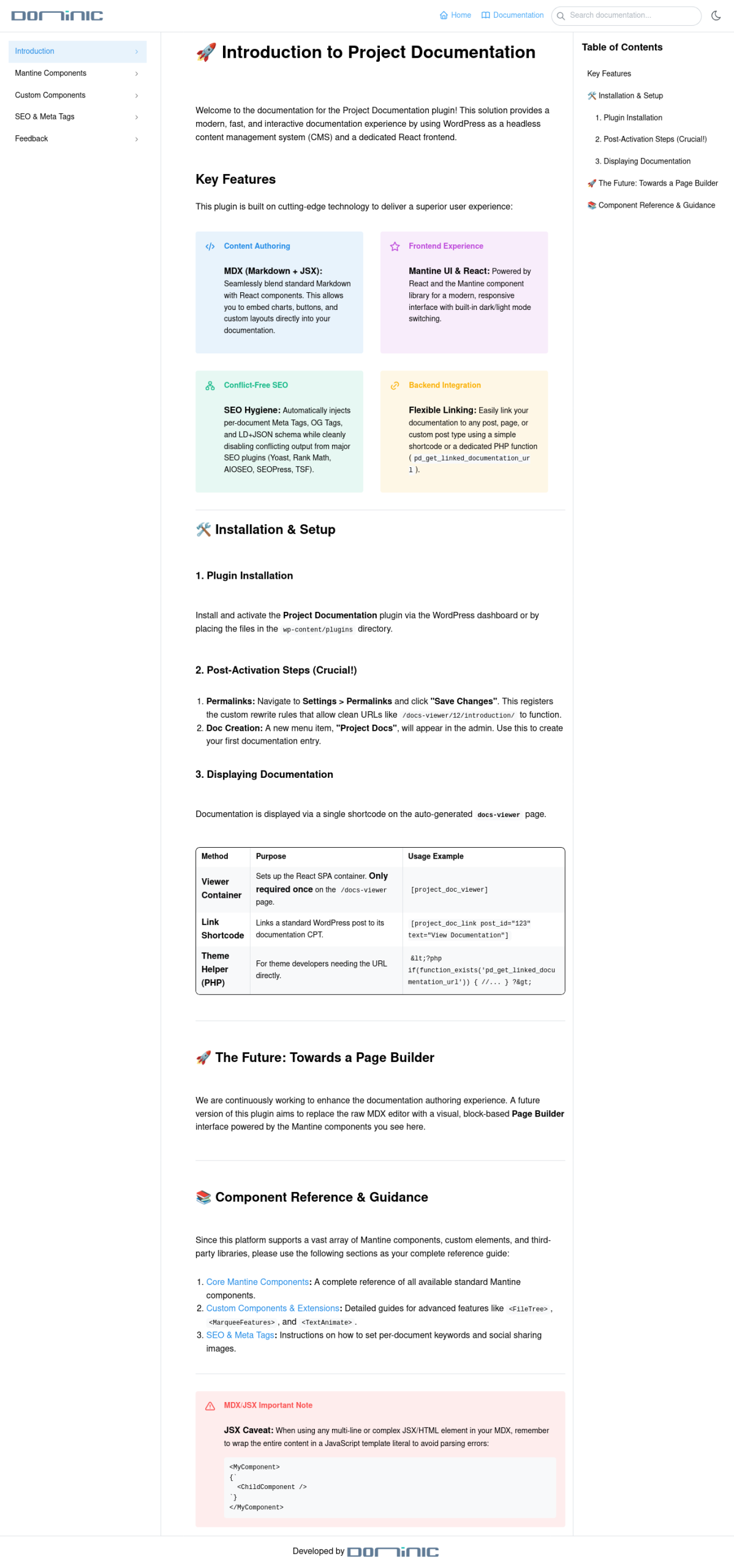
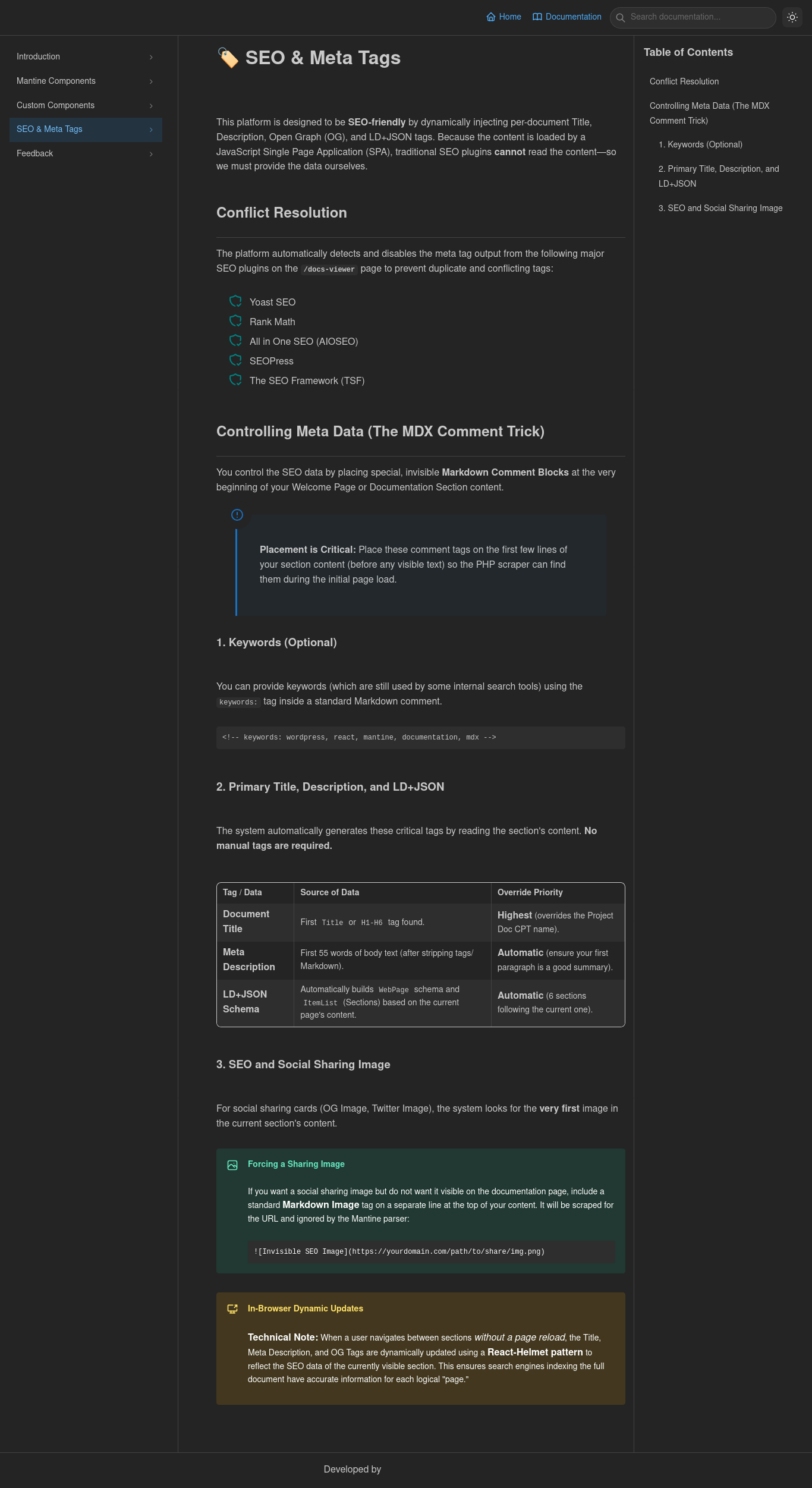
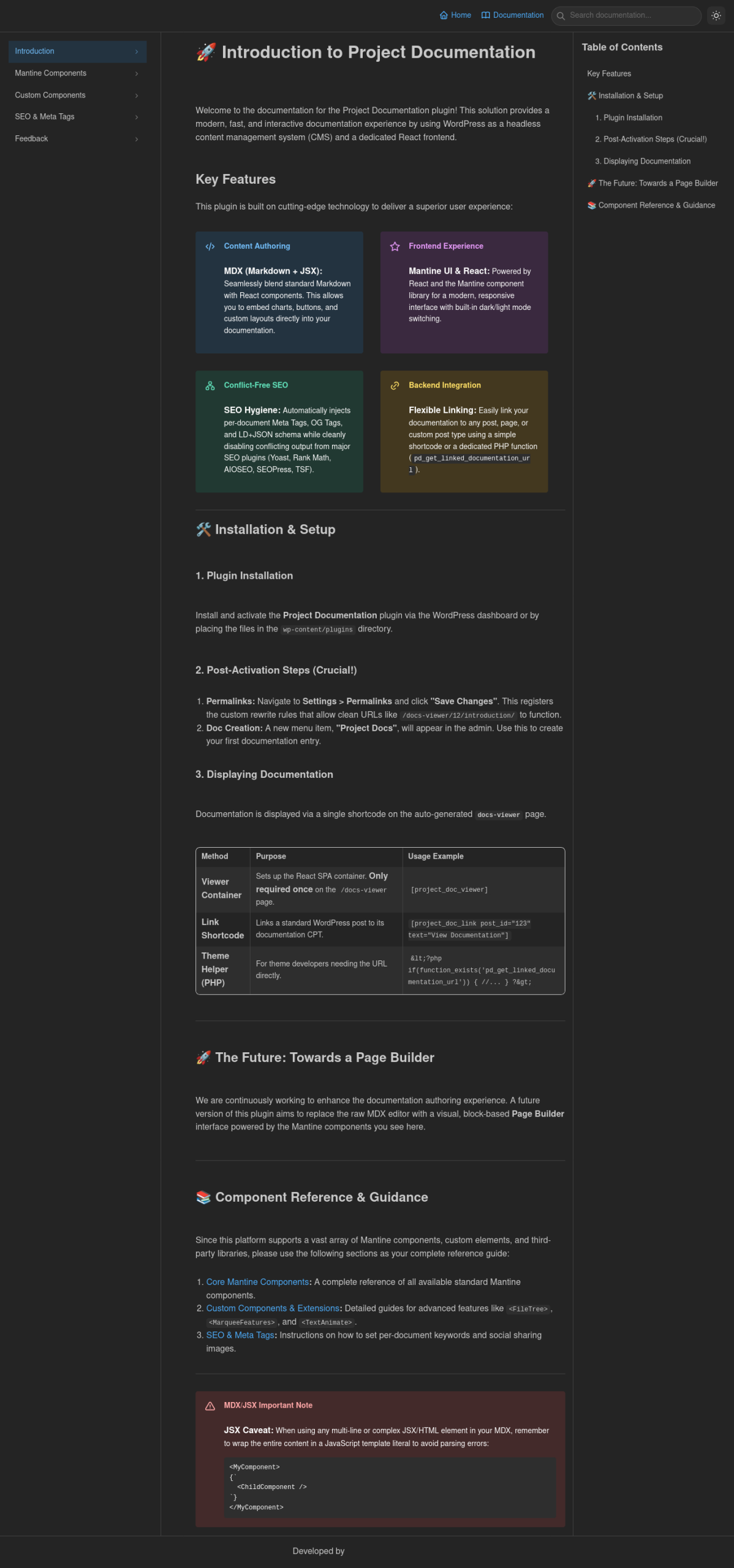
- A responsive React application (built with Vite), utilizing the Mantine UI library for a modern look, dark/light mode support, and MDX processing.
- A custom theme integration mechanism (shortcode and helper function) to link any WordPress post to its specific documentation.
Implementation
- WordPress Backend A custom CPT (`project-doc`) handles content. Custom Meta Boxes (using PHP/jQuery) manage structured data like sections (repeater fields), welcome screen content, and parent post linking (`pd_linked_post_id`).
- Data API A custom REST API field (`documentation_data`) on the `project-doc` CPT gathers all meta fields (including the entire MDX sections array) into a single, clean JSON object for the frontend. A dedicated search endpoint (`pd/v1/search-doc`) provides efficient, document-specific search capabilities.
- Frontend Framework A React application bundled using Vite is responsible for presentation. Mantine UI is used for component design, and `@mdx-js/react` handles the parsing and rendering of MDX content, allowing for Mantine and custom components (like `<FileTree>`, `<TextAnimate>`) to be used inside markdown.
- Routing & Templating WordPress rewrite rules (`docs-viewer/ID/SECTION/`) are configured to route requests to a minimal `template-docs-viewer.php` file, which contains the `[project_doc_viewer]` shortcode. The React app then takes over browser history for client-side navigation.
- Integration A PHP helper function, `pd_get_linked_documentation_url()`, is provided by the plugin for themes to safely and efficiently retrieve the direct link to a document based on its linked parent post ID.
Key Features
- MDX Authoring `@mdx-js/react`, custom components (Mantine/Tabler Icons) | Enables authors to create complex, interactive docs (charts, animated text, UI elements) without leaving the content editor.
- Modern UX Mantine UI, CSS Modules, Responsive Design | Provides a visually appealing, fast-loading, and professional documentation experience with automatic Dark/Light mode support.
- Clean Routing WordPress Rewrite Rules, React-based Navigation | Users navigate using clean, human-readable URLs (e.g., `/docs-viewer/12/setup-guide`) without page reloads.
- Document Search Custom REST API (`/pd/v1/search-doc`), Debounced Search | Delivers fast, contextual search results within the currently viewed documentation, improving information retrieval.
- Flexible Linking `pd_linked_post_id` meta field, `pd_get_linked_documentation_url()` | Allows a single documentation set to be logically attached to its corresponding WordPress Post, Product, or CPT item.